From time to time, new features or corrections will be made available for the RaceClocker button.
The latest firmware versions can be found on the following link:
https://gee-jee.net/RCButton/Firmware
First step is to check your current firmware version with the button setup tool:
https://gee-jee.net/RCButton/Setup
If you have an older version and want to upgrade to the latest (and hopefully greatest) version, start the Firmware flasher on the following link:
https://gee-jee.net/RCButton/Flasher
- Download the bundled firmware zip file from the Firmware page.
- Select the firmware file in the first step
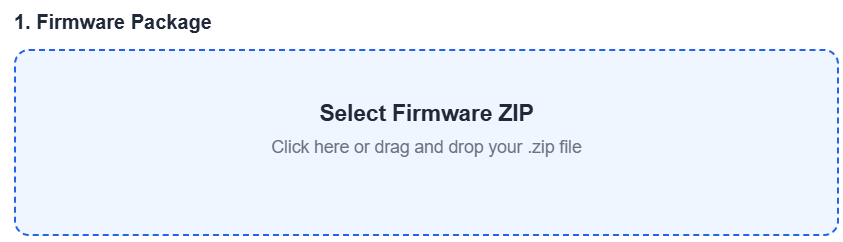
- Put the button in firmware mode by pressing the button for at least 15 seconds. After 10 seconds, it will start to blink and after another 5 seconds, the LED will be dark.
- Click on Connect ESP32-S3
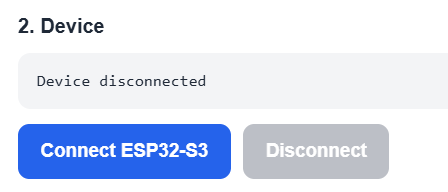
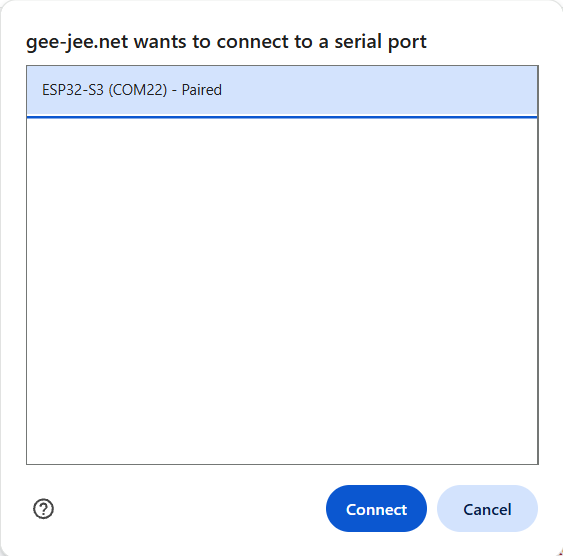
You will see the pop up below, select the COM port to connect to and click on the Connect button
- If all goes well, the button should now show as connected
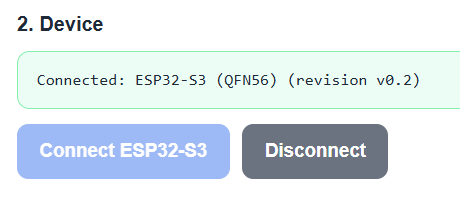
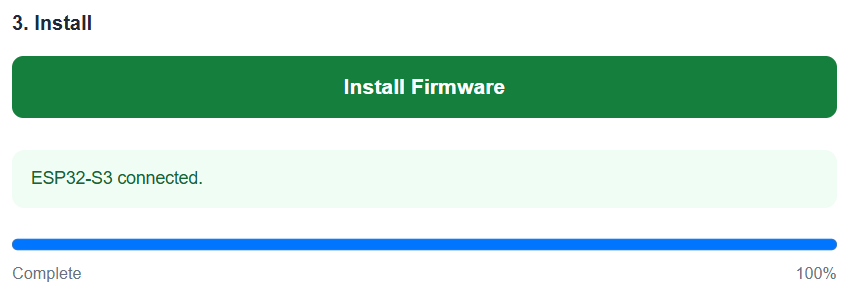
- Click on Install Firmware to start the upgrade. The progress bar will show when the upgrade is completed.
After the upgrade is done, make sure to power cycle the button to make the new firmware active.